First Day of Fourth Grade Sign
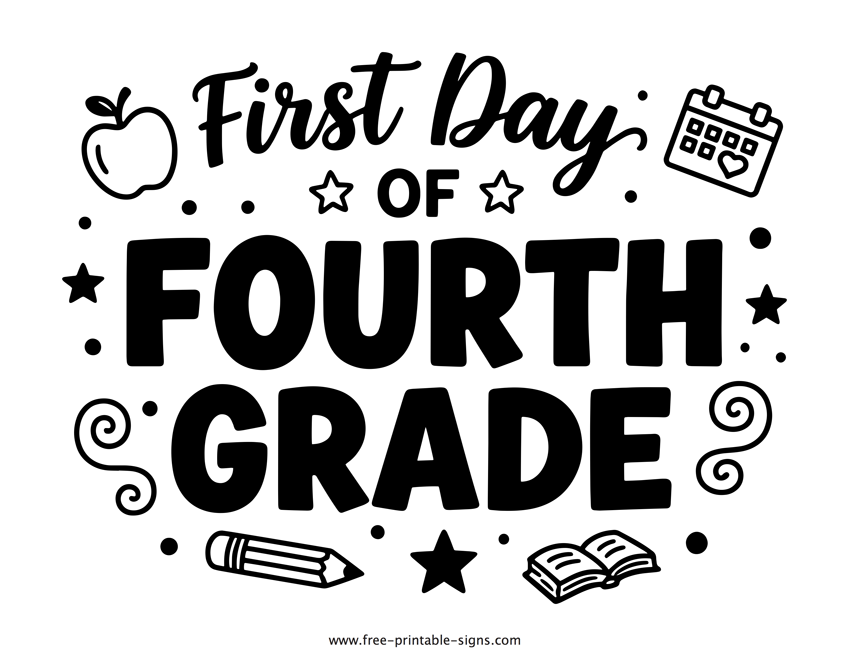
Fourth grade is such an exciting turning point. Your child is stepping out of the early elementary years and into the world of upper elementary, gaining new confidence, independence, and a deeper curiosity about the world around them. The first day of fourth grade is a milestone that marks the beginning of this new level of discovery, and it deserves to be celebrated! Our “First Day of Fourth Grade” sign is designed to help you freeze this specific moment in time, capturing the wonderful person they are becoming as they embark on this new chapter.
By downloading this printable sign you agree to the Terms of Use.
Celebrate the Joy of Growing Up!
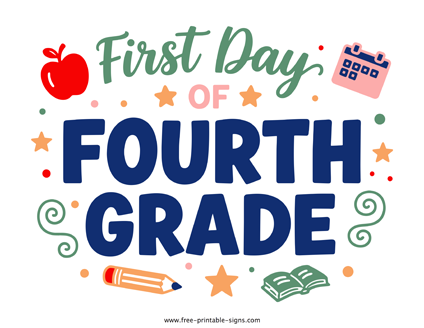
Use this beautiful photo opportunity to make the transition into fourth grade extra special. This sign features bold, hand-lettered typography paired with playful doodles including a classic apple, a calendar, little stars, along with school essentials like a pencil and book. It’s a charming design that clearly captures the spirit of learning, so your back-to-school photos look stylish and timeless as the years go by.
As a parent, you know how quickly the “little kid” years transition into the “big kid” years. One moment they are mastering the basics, and the next, they are tackling more complex math and diving into chapter books. By using this sign as a photo prop, you create a beautiful keepsake that tracks their incredible growth through every major grade.
This high-quality PDF is easy to download, making it a stress-free way for parents to create a meaningful new tradition at home. Whether you’re snapping a quick photo on the porch before the bus arrives or taking a more posed picture in the backyard, this sign makes capturing that first-day memory feel essentially unique.
Don’t forget to browse our other school milestone signs to document every step of their educational journey!
More printable signs
How to print this sign
After clicking the "Download" button, save the archived PDF file on your computer. Once it's completed downloading, unpack the archived PDF and open it in your favorite PDF viewer program/application. From there on, you can probably find the "Print" option listed under the "File" menu.
Link Free-Printable-Signs.com
Latest Signs
-
Danger Do Not Enter Sign Printable Danger - Do not enter sign in PDF format
-
Car for Sale Sign Printable vehicle for sale sign in a PDF format
-
Recycle Paper Sign Printable recycle paper sign for bins
Do Not Enter Sign
